For over a year now I have used a series of Apple Shortcuts orchestrated by a single master shortcut to generate a note to start my day. This current version runs on iOS or iPad or macOS. I’m adding a DailyHealth script next to create a health summary, but that will only work on iPhone. Check out my system and let me know what you think!
Daily Plan
- This is the master shortcut that runs all of the other shortcuts below.
- Edit the first text box to 0 if you are not using ✱ Forever Notes
- Very modular – swap around your own modules if you want to do a section differently. Customize the order of the entries to suit your needs
- Add more shortcuts and share!! Remove what you don’t want to use.
- This is the only part that creates a note, so you can adapt this to another system such as Bear
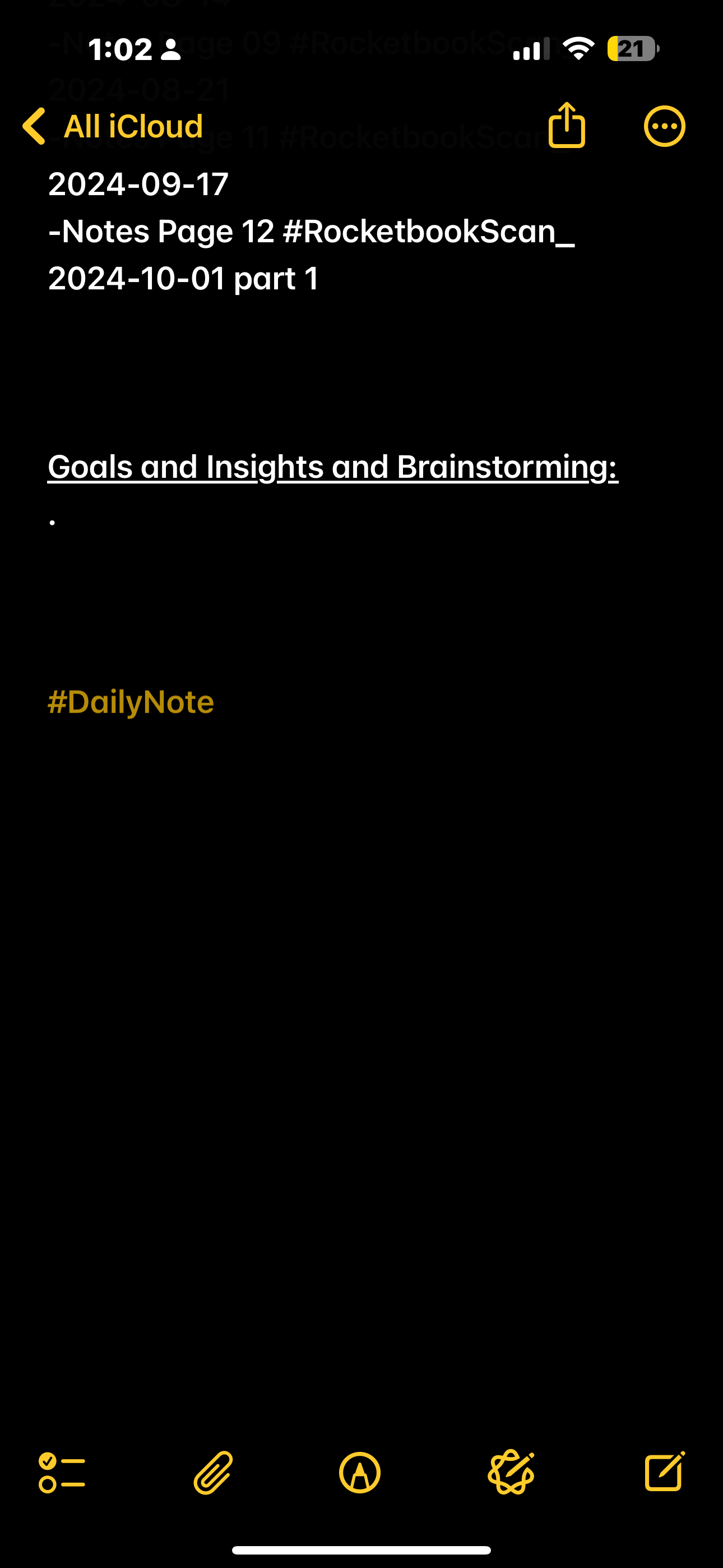
- At the very end, the generated note is tagged with #DailyNote but if you want to remove it or change the tag, that is the place to do it
- https://www.icloud.com/shortcuts/fd28483d0cdd486f9c0d6081277f02dc
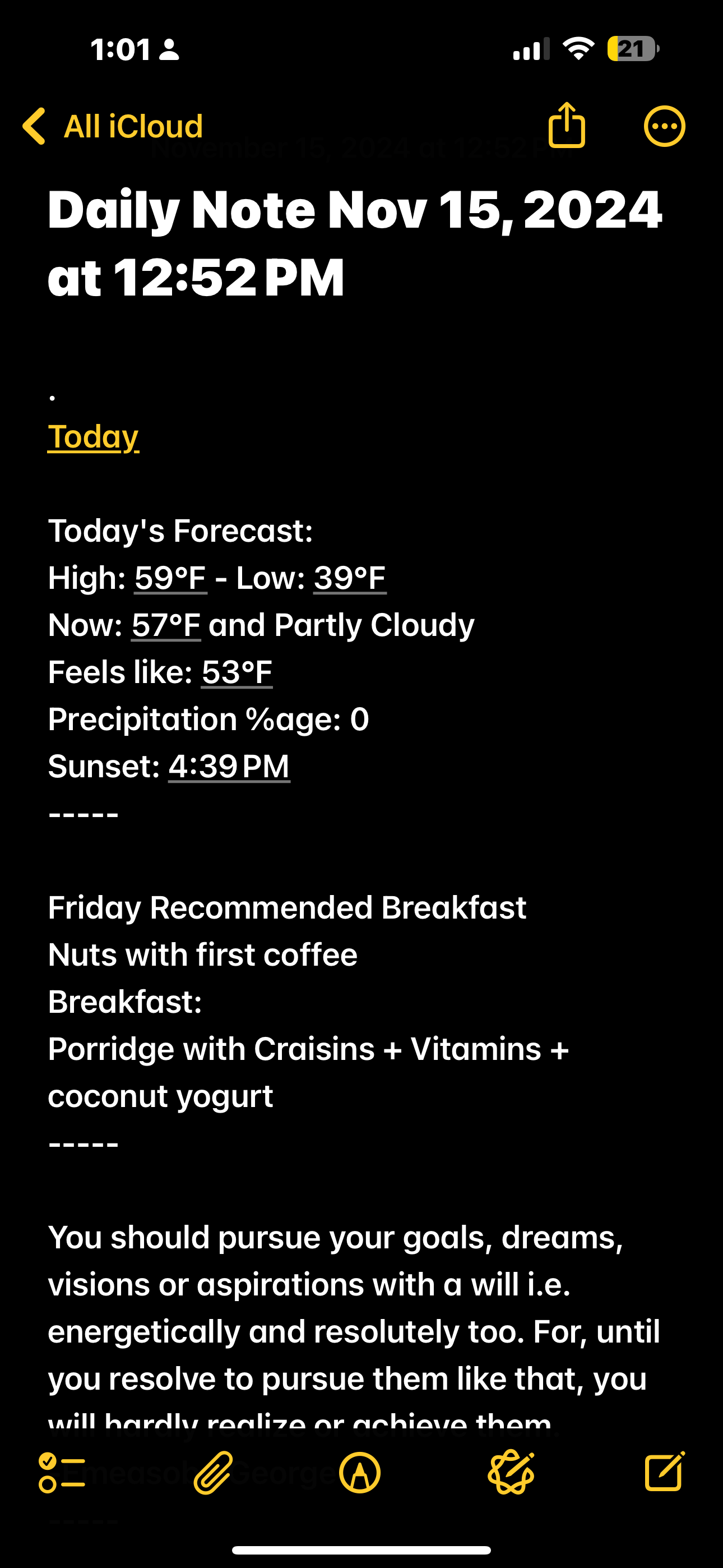
DailyWeather
- Gets the weather from Apple Weather (sources)
- No adjustments needed for the weather at your location
- Improvements: loop through a list of additional locations
- https://www.icloud.com/shortcuts/a201400323fe4ddb8f12f3cec581b539
DailyBreakfast
- Uses a list of commonly eaten items that you curate to generate a breakfast.
- Adjust any of the dictionary entries to show what you actually eat
- Obviously you need to have these things in your cupboard for this to work.
- Can be adapted to other meals to plan out a whole day.
- https://www.icloud.com/shortcuts/3cc7d3b32ccd4bc88b66db429143c118
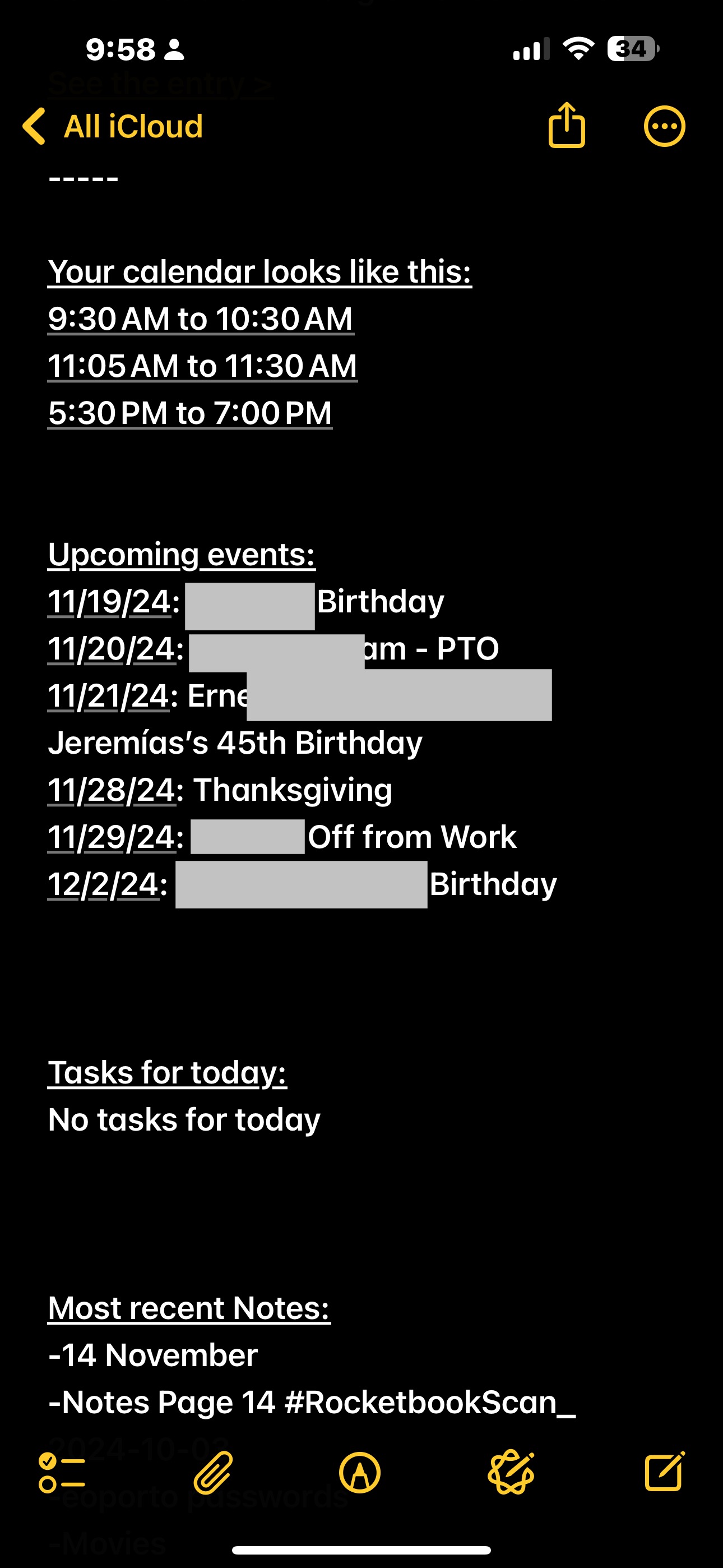
DailyCalendar
- Gets non-All-Day Calendar entries from your Apple Calendar.
- Edit the first text box for exclusions
- My work calendar is separate from my personal calendar.
- Edit the Find All Calendar Events action to exclude any calendars you don’t want.
- https://www.icloud.com/shortcuts/e12b2690fde847a7ae2c5ea08852c3f9
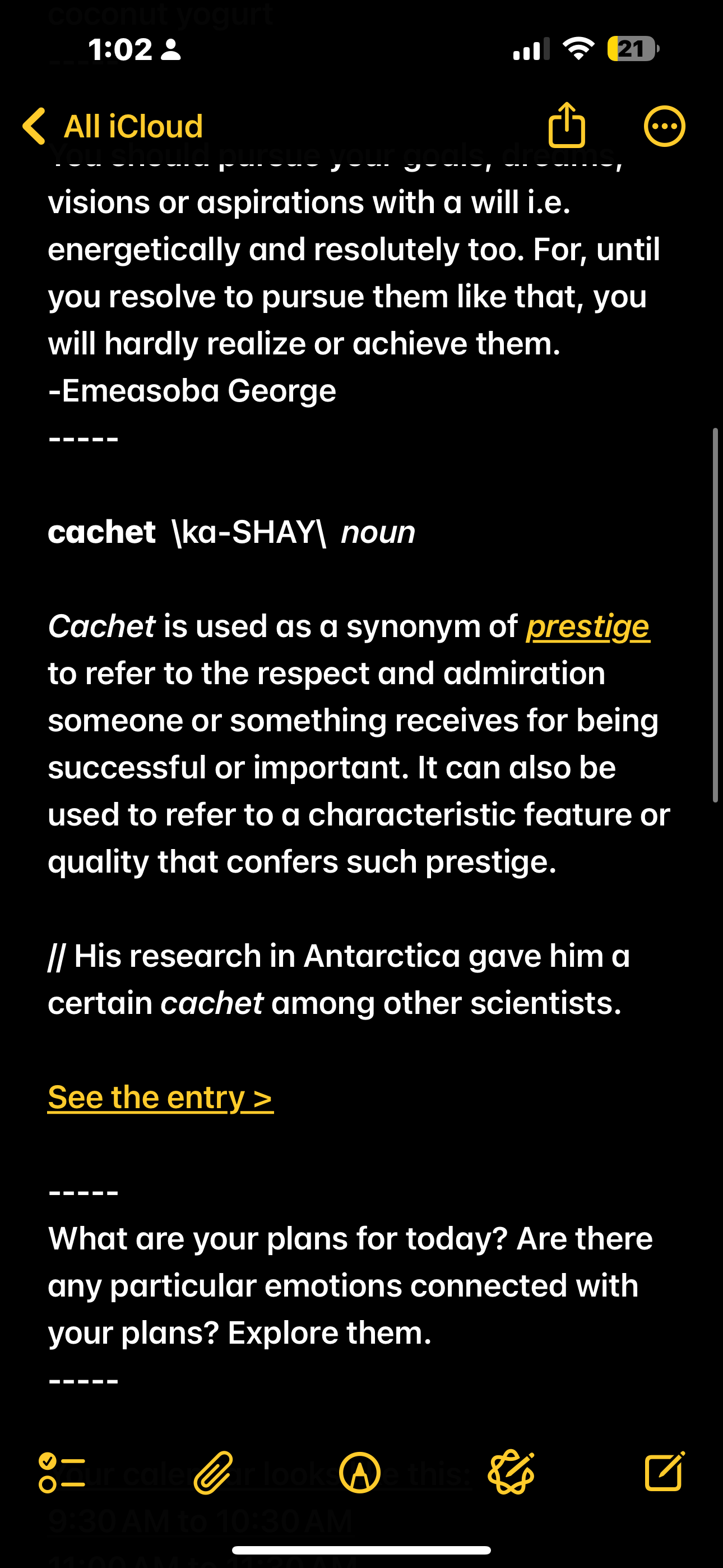
DailyWord
- Nothing to really edit here. Gets Merriam-Webster Dictionary word of the day from their RSS feed
- https://www.icloud.com/shortcuts/19db838e252a41a4abd370032a7ea1ba
DailyReminders
- Gets entries from your Apple Reminders
- Nothing to really edit here. Maybe change the number of entries. I get 40.
- https://www.icloud.com/shortcuts/7331085197ce4d3badf7a7e00ed68f33
DailyQuote
- Provides a random quote from quotes.net.
- CUSTOMIZE THIS! Uses the API at quotes.net, so it requires a uid and tokenid ahead of use.
- https://www.icloud.com/shortcuts/98732d7100fc458aa215b2f0d818ebae
DailyNotes
- Gets a list of the latest updated notes from your Apple Notes.
- Nothing to really edit here. Maybe change the number of entries. I get 30.
- https://www.icloud.com/shortcuts/abbcb0fd7a36426096de17f584802408
DailyAllDayEvents
- Gets All Day entries from your Apple Calendar
- Nothing to really edit here. Maybe change the number of entries. I get 40.
- https://www.icloud.com/shortcuts/cf347f267cb2454e9cada4338bbbe6cb
DailyJournalPrompt
- Requires one or more Apple Notes containing “Journaling Prompts” in the title, with entries in the body that are separated by —–
- A large starter example is provided at https://shokk.wordpress.com/2024/11/15/journaling-prompts/. Save that as a note called “Journaling Prompts”.
- Create your own similar file with a title like “Journaling Prompts 2” or whatever in order to add your own entries.
- Delete entries from the example that you do not like.
- If your note system supports the Find function, you can change this to use your system, otherwise you can still use the “Journaling Prompts” Apple Note and have the final generated note from the main program go into your own note system.
- https://www.icloud.com/shortcuts/2f3f3909f121469ab4ff7f02782c56ea


 Playing with Sharp Objects.